How to Sell on Etsy: A Beginner’s Guide (2026)
How to sell on Etsy in 2026: what you need, how to open your shop, the 8 steps to your first sales, fees by country and the mistakes…
Etsy marketplace consultancy for businesses in the USA and worldwide.
Our Etsy shop setup guide walks you through every screen: preferences, shop name, payments, setup fee, ID check, 2FA, storefront and first listings.
In short: This Etsy shop setup guide covers the whole process in order. On a desktop browser, go to etsy.com/sell and select Get started. Choose your shop language, country and currency, pick a shop name, connect a bank account and a card, approve the one-time setup fee shown under "Total due now", verify your ID with a selfie and turn on two-factor authentication. Add at least one listing, then open the shop and finish your storefront, policies and first listings before you promote it.
Last updated: 27 October 2026. Steps checked against Etsy Help's How to Open an Etsy Shop, Etsy's Fees & Payments Policy and Etsy's Creativity Standards.
Etsy's setup screens are quick to click through, which is part of the problem. A few choices you make in the first hour, such as your shop language and currency, are hard or impossible to change later, and a shop that opens with thin listings and blank policies struggles to win its first buyers. If you're a new seller in the USA or anywhere else and want to set up an Etsy shop once, and properly, this is for you. We'll explain each screen, what to decide before you reach it, and what to finish afterwards.
Gather everything first. Stopping halfway to find a bank statement or a photo of your ID is where most setups stall.
It also helps to know what you're going to sell and roughly what you'll charge. If you're still deciding, read our guide on how to sell on Etsy first, then come back here.
Here's the order Etsy walks you through, with the decision that matters at each step.
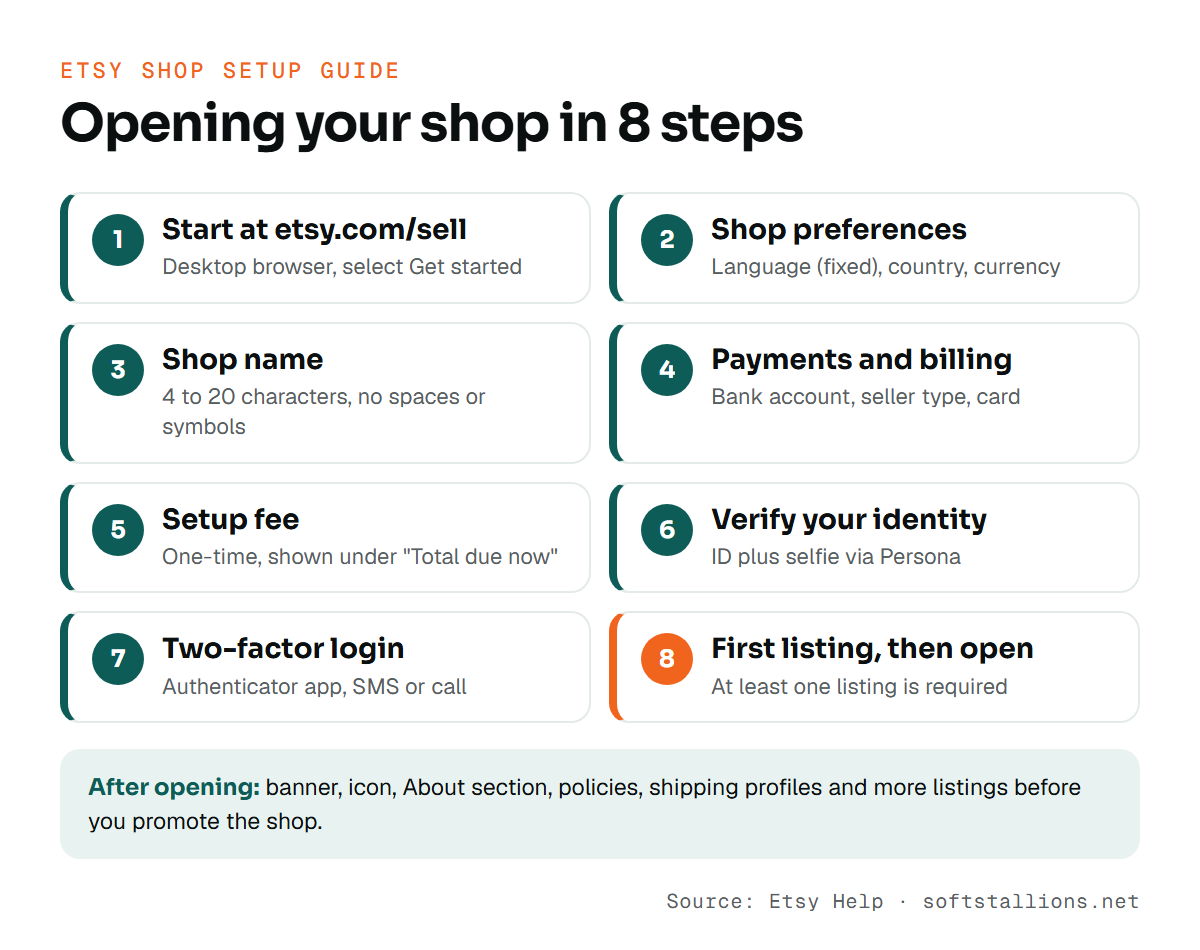
Sign in to your Etsy account on a desktop browser, go to etsy.com/sell and select Get started. Setup goes fastest in one sitting with everything from the list above on your desk.
Choose your shop language, your country and your shop currency.
Etsy's rules are simple: 4 to 20 characters, no spaces or special characters, no profanity, not already in use and not someone else's trademark. You can change the name after the shop opens, but returning buyers and anyone you've shared your link with will know you by the first one, so choose with care. Our guide to Etsy shop name ideas has a full method for picking and checking a name.
Tell Etsy where your bank is located and whether you sell as an individual (sole proprietorship) or an incorporated business. Then add your bank details for payouts and a card for Etsy bills. Most new sellers start as individuals. You don't need an LLC or a registered business to open a shop.
Etsy may charge a one-time, non-refundable setup fee. The amount depends on where you are, and you see it under "Total due now" before you confirm. If you onboard through Payoneer, it's charged in US dollars, and taxes may apply. Our Etsy shop setup fee guide covers this charge in detail.
Etsy uses a partner called Persona to check a photo of your government ID against a selfie. The name on the ID must match the name on your bank account. You can choose Express verification, which uses biometric matching, or Manual review. If the names don't match, fix that before you start. It's the most common reason verification gets stuck.
Etsy requires two-factor authentication to protect your shop and your earnings. You can use an authenticator app, which Etsy recommends, or receive codes by SMS or phone call. An authenticator app keeps working if you change phone numbers or travel.
Etsy needs at least one listing before you can open. Add your best product with complete details, then open the shop. But there's still plenty of work after that click. The sections below cover what to finish before you share your shop link anywhere.
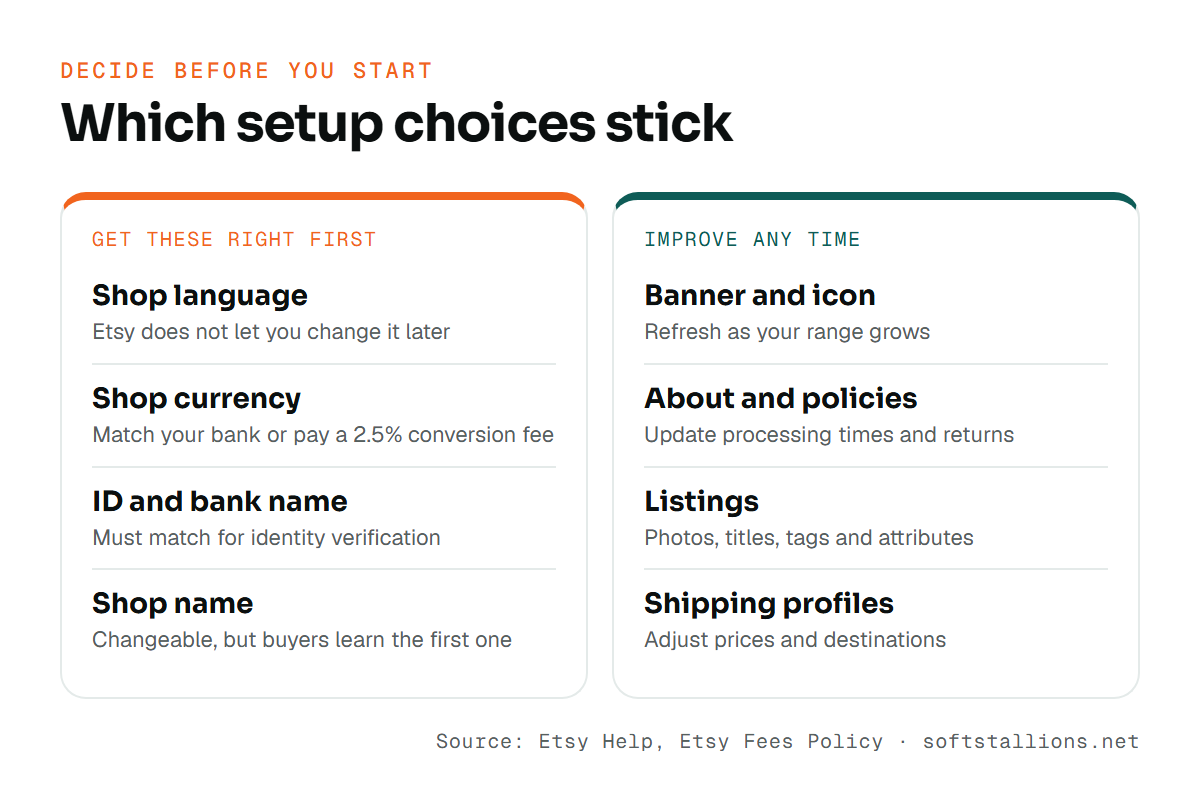
Most things in an Etsy shop can be edited at any time. A few can't, or they cost you if you get them wrong. Decide these before you start.
| Setting | Why it matters | What we recommend |
|---|---|---|
| Shop language | Etsy does not let you change it later | Choose the language you will use with buyers every day |
| Shop currency | A mismatch with your bank adds a 2.5% fee to sales | Match your bank account's currency from day one |
| Shop name | Changeable after opening, but buyers learn it | Pick a name you are happy to keep; check trademarks first |
| Seller type (individual or business) | Tells Etsy how you are set up for tax purposes | Choose what is true for you today |
| Bank account and ID | Names must match for verification | Use an account in your own name that matches your ID |
| Listings, policies, branding | Editable any time | Start with good versions and keep improving them |
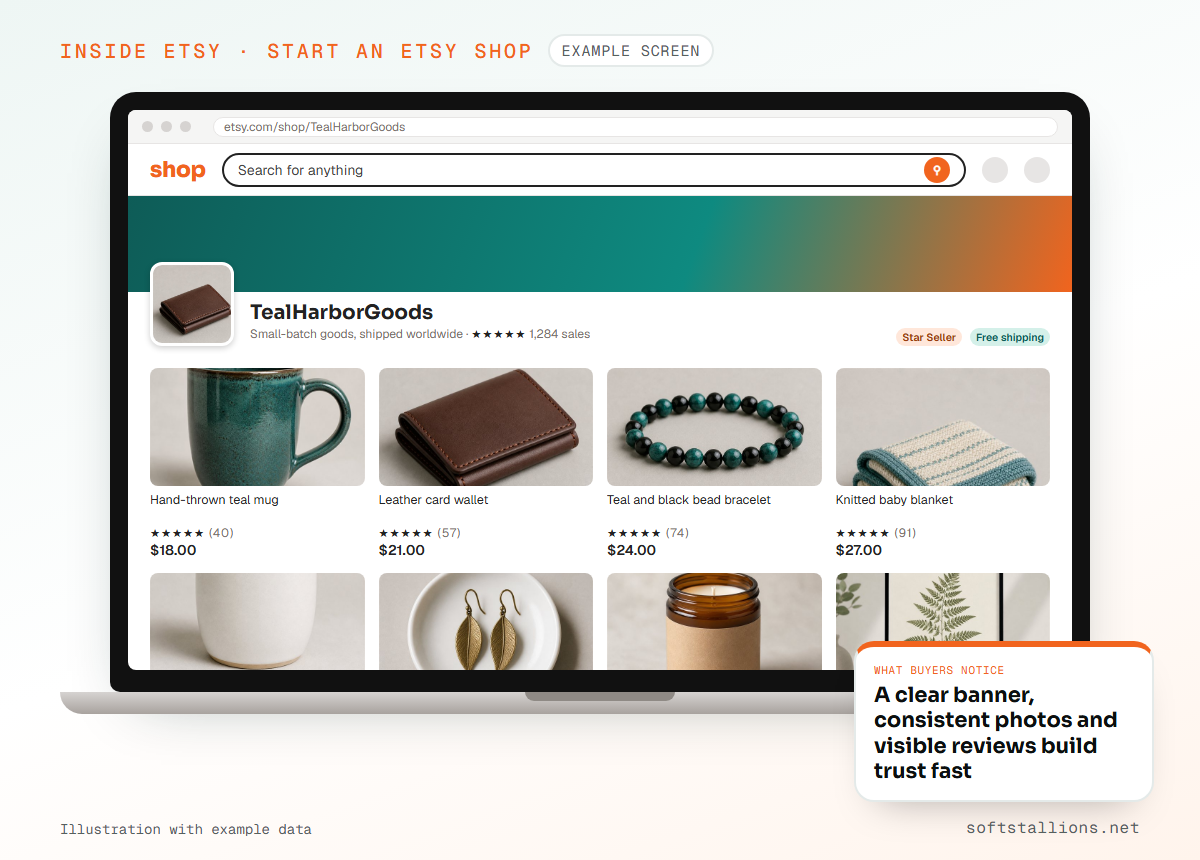
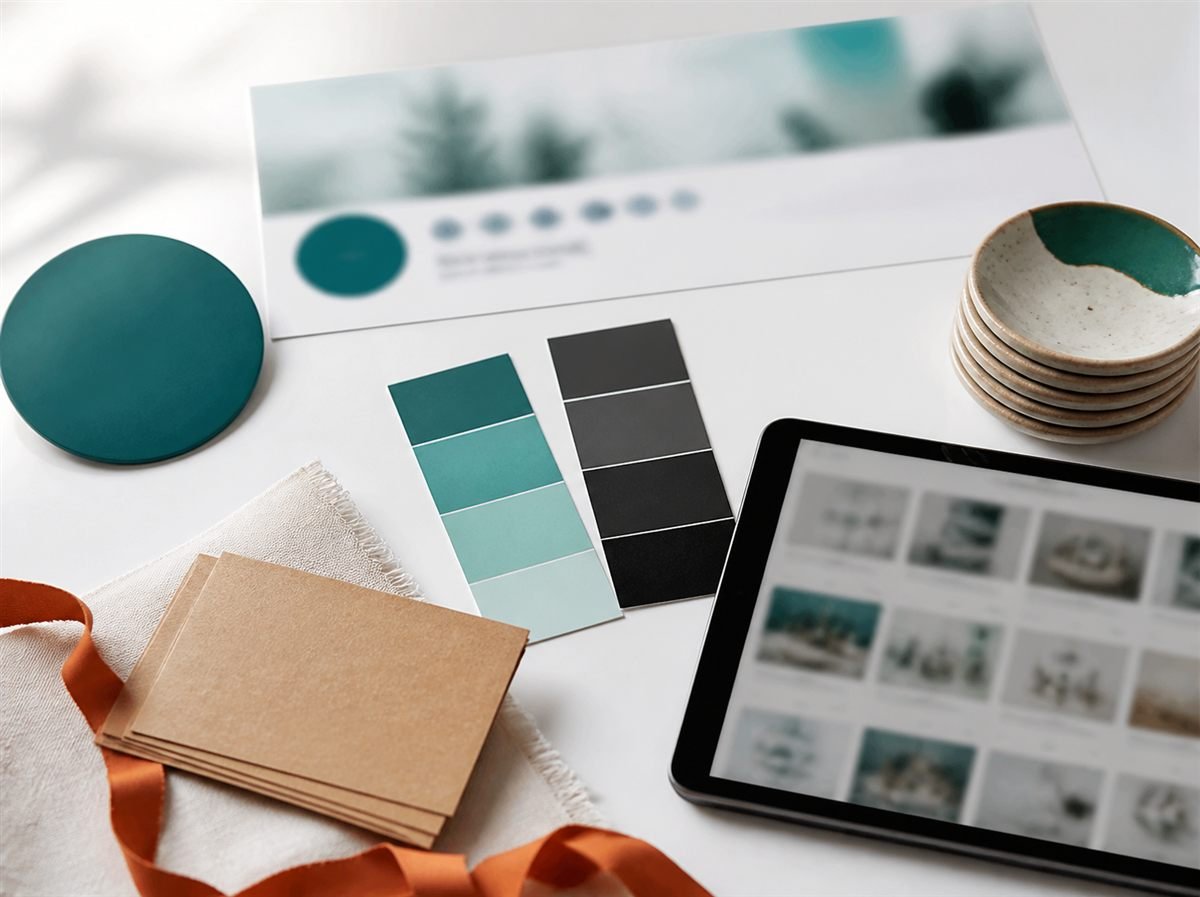
A new shop has no reviews, so buyers look for other signs that you're real and reliable. Your storefront supplies them. Finish these items in Shop Manager before you promote your shop:
If you sell print on demand or work with any production partner, add them to your listings as Etsy's Creativity Standards require, with an accurate dispatch location. If you use AI to create designs, Etsy requires you to disclose that in the listing description.
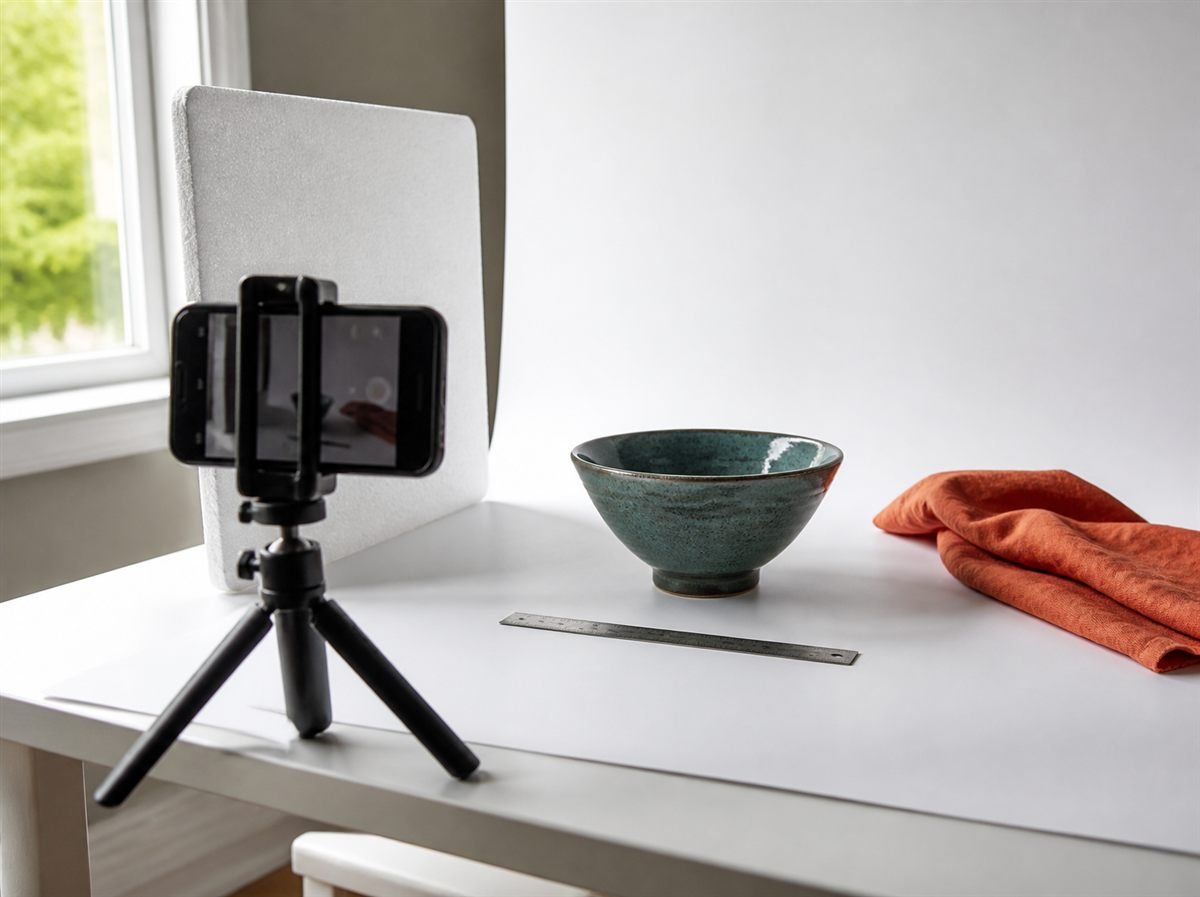
Your first listings do two jobs: they appear in Etsy search, and they persuade the buyer who clicks. For each one:
Aim for a small, focused range at launch. Several well-researched listings in one niche tell buyers and Etsy what your shop is about far better than many rushed listings across unrelated products.
Shipping settings are easy to rush and expensive to get wrong. Create shipping profiles in Shop Manager rather than setting shipping listing by listing, so you can update many listings at once.
A standard Etsy shop has no monthly fee. You pay a one-time setup fee where it applies, then fees as you list and sell. For a US seller:
| Fee | Amount | When |
|---|---|---|
| Setup fee | One-time, varies by location | When you open the shop |
| Listing fee | $0.20 per listing | When you publish or renew; listings last 4 months |
| Transaction fee | 6.5% of item price, shipping and gift wrap | Each sale |
| Payment processing | 3% + $0.25 per order (US) | Each sale through Etsy Payments |
| Currency conversion | 2.5% | Only if your listing currency differs from your bank's |
For example, a $30 order (a $25 item plus $5 shipping) costs a US seller $0.20 to list, $1.95 in transaction fees and $1.15 in processing, so $3.30 in Etsy fees before your product and postage costs. Processing rates differ outside the US, for example 4% + 0.20 GBP in the UK and 6.5% + 0.30 USD in Pakistan.
Use this Etsy shop setup checklist as a final pass:
If you want a second pair of eyes, our Etsy shop setup service builds the shop, policies and first listings for you, and our free Etsy shop audit tells you what to fix first in a shop you've already opened.
The setup screens take about an hour if your ID, bank details and first listing are ready. Identity verification can take longer, and the storefront and listings usually take a few more sessions to finish well.
Etsy asks you to set up the shop in a desktop web browser. After that, you can manage orders, messages and listings in the Etsy Seller app.
No. You can sell as an individual, which Etsy treats as a sole proprietorship. Etsy doesn't require a business license, but you must follow the laws that apply to small online businesses where you live.
Yes, Etsy lets you change your shop name after the shop is open. It's still best to choose a name you're happy to keep, because buyers will recognize you by it.
There is no monthly fee for a standard shop, but Etsy may charge a one-time setup fee that varies by location, plus $0.20 per listing and fees on each sale.
Free consultation · USA & worldwide
We set up Etsy shops for sellers in the USA and worldwide, from shop preferences and policies to branding and your first optimized listings. You get a shop that is ready to sell, without the guesswork.
Or see: Etsy shop setup · Etsy listing optimization · Etsy keyword research · All services
How to sell on Etsy in 2026: what you need, how to open your shop, the 8 steps to your first sales, fees by country and the mistakes…
Compare the four Etsy business models: print on demand, digital products, private label and handmade. What Etsy allows, startup costs and how to choose yours.