Etsy Listing Optimization: Fix Views With No Sales (2026)
Etsy listing optimization for listings with views but no sales: diagnose reach, clicks and conversion in your Stats, then fix photos, price and copy in order.
Etsy marketplace consultancy for businesses in the USA and worldwide.
Etsy product photos that get clicks: Etsy's size rules, the first photo, an 8-photo listing set, when mockups are allowed and how to shoot products at home.
Part of: Etsy Listing Optimization: Fix Views With No Sales (2026)
In short: Good Etsy product photos start with a first image that shows the whole item clearly at thumbnail size, on a clean background, in bright even light. Behind it, use your other photo slots to answer buyer questions: detail, scale, options, the item in use and what arrives. Etsy recommends photos at least 2,000 pixels wide and tall. Mockups suit print on demand and digital products, but handmade and vintage items need your own original photos under Etsy's rules.
Last updated: 13 November 2026. Requirements checked against Etsy Help's Requirements and Best Practices for Images and How to Add Listing Videos, and Etsy's Creativity Standards.
On Etsy, buyers can't pick up your product, so your photos do the job a shop counter would do. In search results, your first photo is often the only thing that separates your listing from dozens of similar ones. Inside the listing, the rest of your images decide whether the buyer feels sure enough to pay. Below we cover what to shoot, how to order your images, when mockups are allowed and when they aren't, and how to keep a consistent look across a growing shop. It's written for sellers of handmade, print on demand and digital products alike.
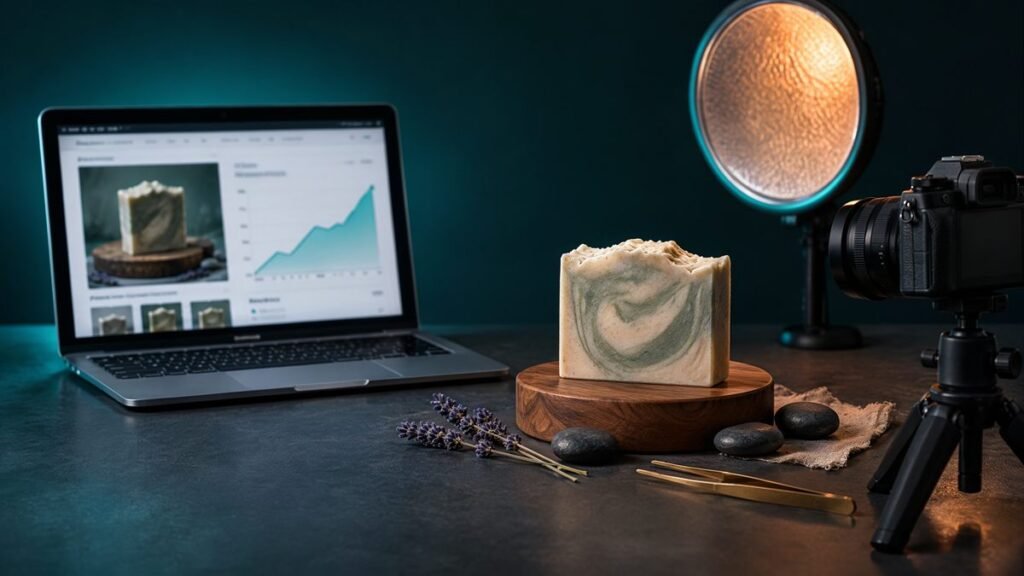
Photos affect both stages of a sale. In search, the first photo wins or loses the click. On the listing page, the full image set answers questions about size, colour, texture and quality that text alone can't.
Photos also affect search directly. Etsy's search system reads the first photo alongside your title, tags, attributes, description and reviews. Etsy says a first photo smaller than 635 pixels wide or tall may appear lower in search. Listings without photos can lose visibility immediately, which the Search Visibility page will flag.
Etsy Help gives these guidelines:
| Item | Etsy guidance | Why it matters |
|---|---|---|
| Recommended size | At least 2,000 pixels wide and tall | Lets buyers zoom in on detail |
| First photo minimum | At least 635 pixels wide and tall | Smaller first photos may appear lower in search |
| Thumbnail | The first photo is cropped for search and shop pages | Keep the product centred with space around it |
| Listing video | Short clips of up to 15 seconds | Shows movement, texture and scale |
Check Etsy Help before a big photo project, because limits such as the number of photo slots and video length are updated from time to time. Large files can fail to upload on slow connections, so save photos as good-quality JPGs rather than huge uncompressed files.
Your first photo has one job: make the right buyer stop scrolling. In our audits, the first photos that perform best share these traits:
Search your main keyword on your phone and look at your first photo next to competitors. If yours blends in or is hard to read, change it. Many shoppers browse on phones, so judge your photos at phone size.
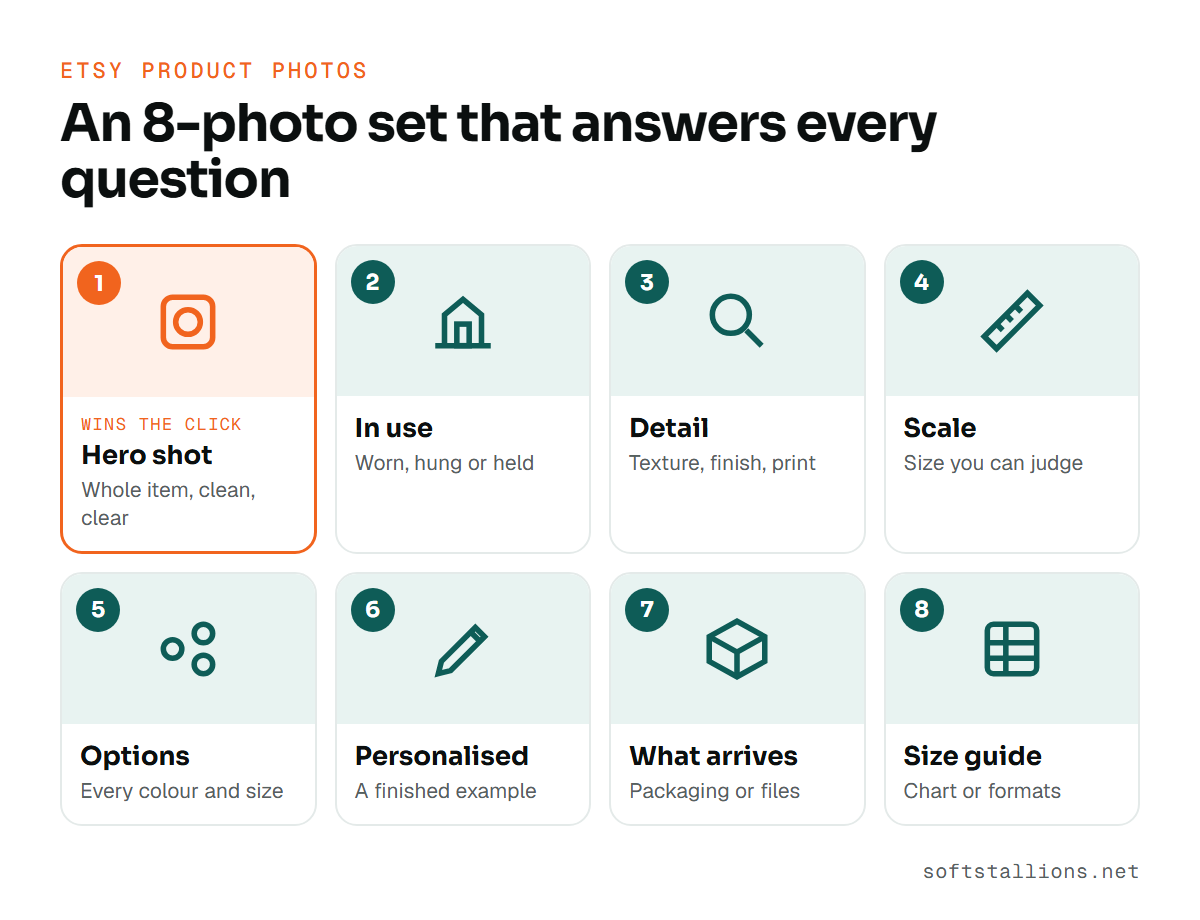
Each photo should answer one buyer question. Here's the order we use for most listings.
Use the remaining slots for extra angles, gift context or a care guide. Every photo should earn its place. Five strong photos beat ten repeats of the same angle.
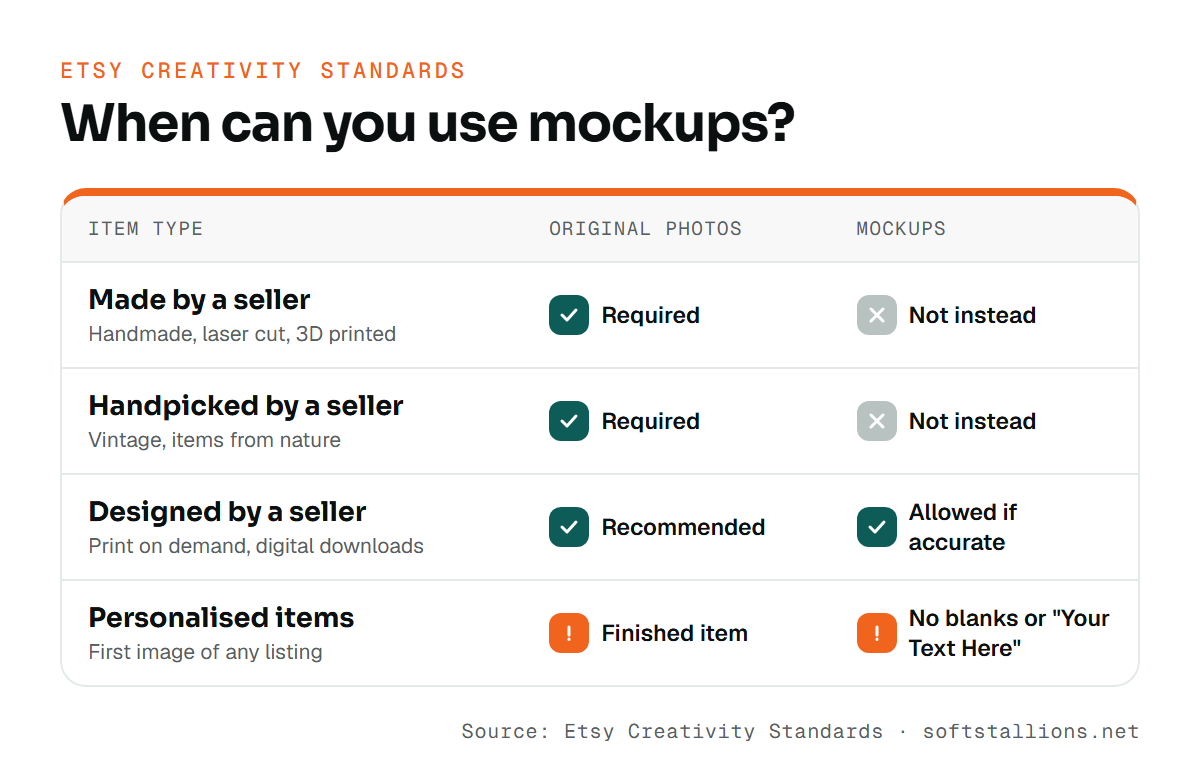
It depends on how your product is made. Etsy's Creativity Standards set the rules.
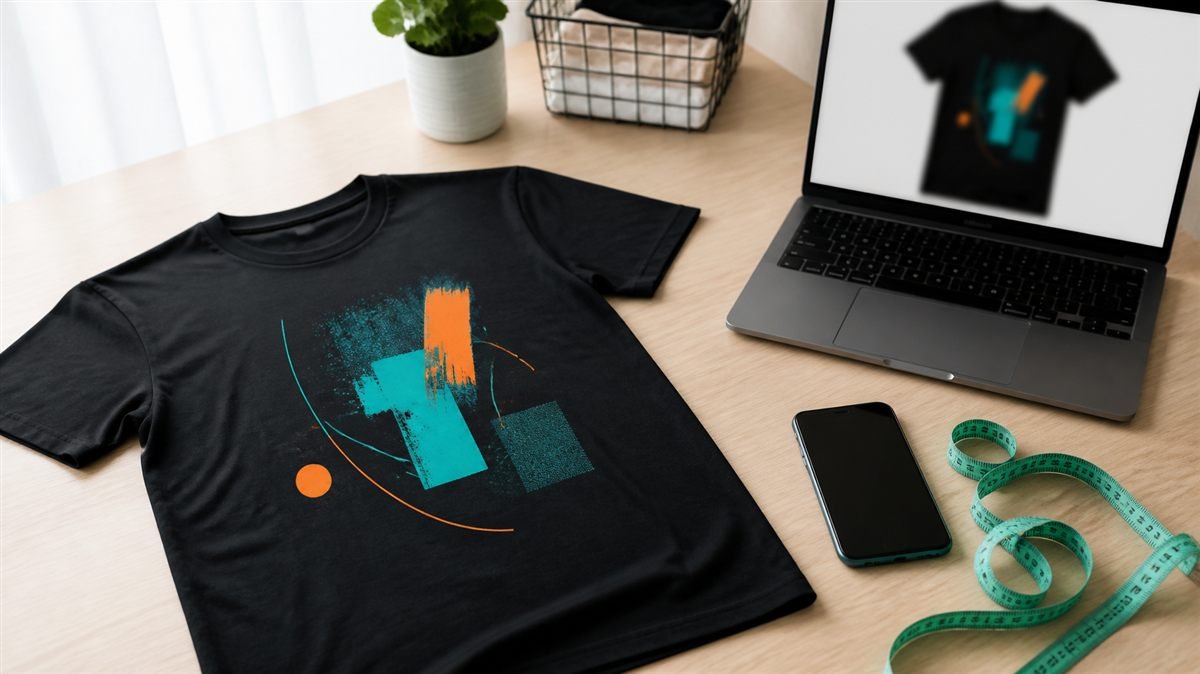
Whatever you sell, the photos must match what the buyer receives. If a mockup shows a frame, a different colour or a prop that isn't included, say so in the photo or description.
A good mockup should be hard to tell from a photo. Bad mockups look flat, pasted on and generic, and buyers notice.
Match the setting to the person buying. A nursery print belongs in a soft, light nursery; a gift for a fisherman belongs near the water or a tackle box, not a generic white desk.
Your design should be the clearest thing in the image. Avoid busy backgrounds, heavy fabric folds over artwork and designs placed too small to see.
Size the design as it will actually print. Check colours against your print partner's samples; a mockup that looks brighter than the real product leads to disappointed buyers and returns.
Free and paid mockup files come with licences. Check that yours allows commercial use in product listings. Never use another seller's photos.
For print on demand, order one of each product you sell. Photograph it for your detail and scale shots, and use it to check that your mockups are honest. Our print on demand guide covers how to work with production partners.
Digital products have no physical form, so photos must show what the file looks like in use and exactly what is included.
Add a simple "digital download" graphic in one of the later images so buyers don't expect a physical item. Our guide to selling digital downloads on Etsy has more on listing setup.
AI image tools can place a product into a lifestyle scene quickly. Use them with care.
We suggest keeping at least one real photo of the actual product in every listing where you can. It builds trust and helps you catch differences between the mockup and reality.
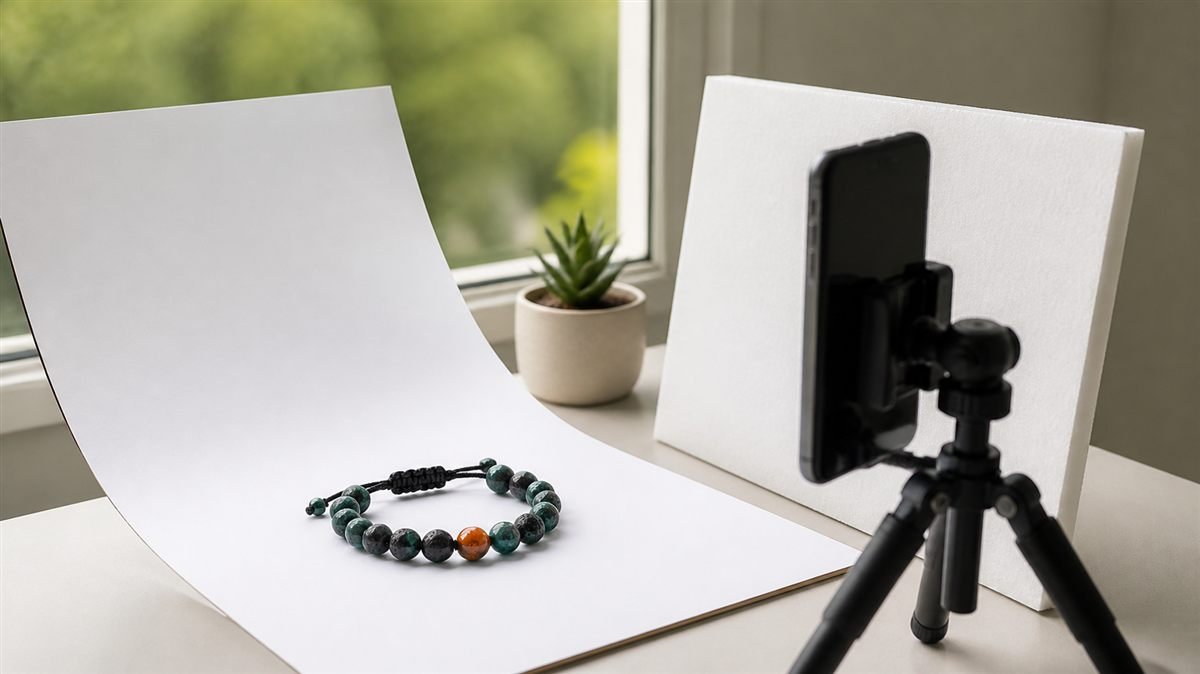
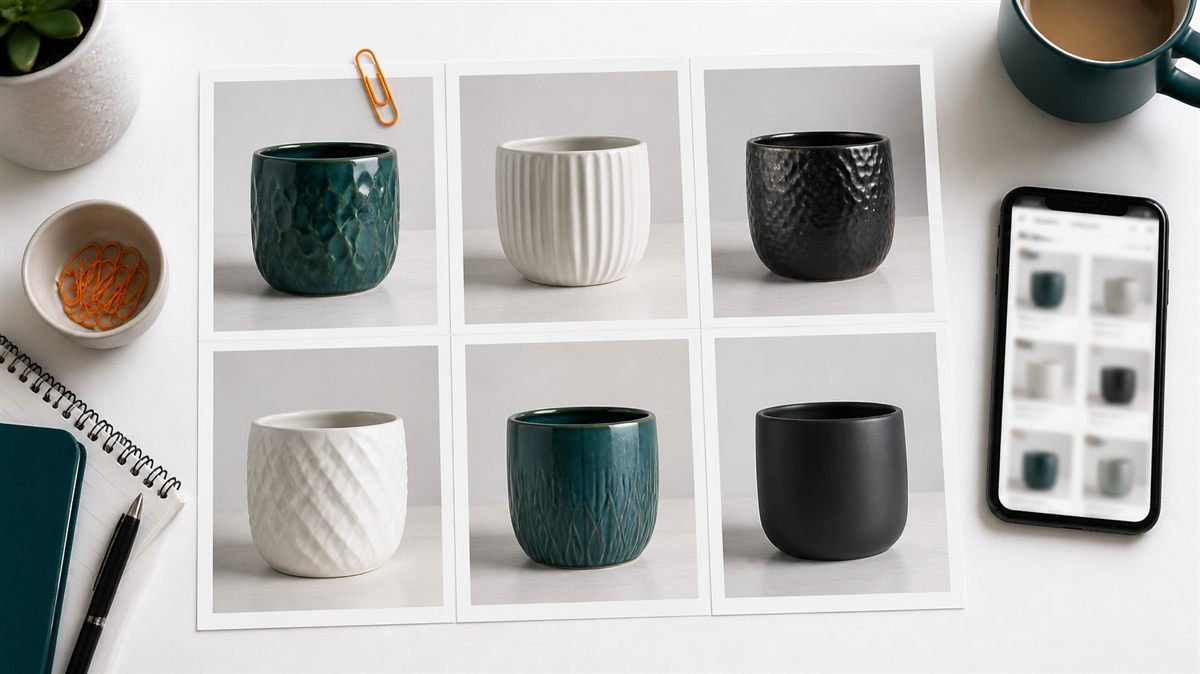
You don't need a studio. A phone and a window will do for most products.
A shop where every listing looks different feels less trustworthy. Set a few rules and keep to them:
Consistency also makes new listings faster, because you're filling a template, not starting from scratch.
Change only the first photo on a listing that already gets traffic, then compare visits and orders over the next two to four weeks against the previous period. If you run Etsy Ads, the click rate on advertised listings gives a faster signal. Keep the winner, then test the next listing. For a full diagnosis method, see our guide to Etsy listing optimization.
If you'd like your image set planned or reviewed by people who audit Etsy listings every week, our listing optimization service includes photo recommendations, and our print on demand service covers mockup sets for POD shops.
Etsy recommends at least 2,000 pixels on both width and height so buyers can zoom. Your first photo should be at least 635 pixels in each direction to avoid appearing lower in search.
Yes, for designed items such as print on demand products and digital downloads, as long as they represent the product accurately. Handmade and vintage items must use original photos.
Not necessarily. A clean, simple background that contrasts with the product works best. White suits many items, but a light surface or simple setting can work as well.
A short video helps buyers judge movement, texture and size, especially for clothing, jewellery and home items. Keep it simple and focused on the product.
For designed items, AI scenes can work if they show the product accurately. For handmade and vintage items, Etsy requires original photos, and any AI-created design must be disclosed.
Free consultation · USA & worldwide
We review your image sets against your competitors and Etsy's rules, then tell you exactly which photos to reshoot, reorder or replace. You get a clear shot list for every product family.
Or see: Listing optimization · Print on demand · Digital products · Shop optimization
Etsy listing optimization for listings with views but no sales: diagnose reach, clicks and conversion in your Stats, then fix photos, price and copy in order.
Can you bulk upload Etsy listings? What Etsy's tools allow, how to copy and bulk edit listings, when to use an app, and how to plan a batch…
How to write an Etsy product description: a six-part structure, opening lines that sell, details by product type, required disclosures and safe AI drafting.